

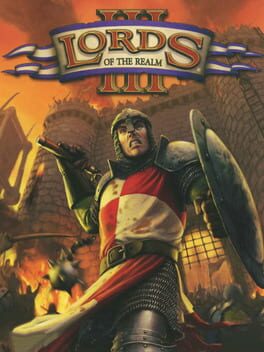
About
At the start of a game, the player must choose a noble by either selecting one of the default nobles or creating a new one. Nobles act as user accounts within the game, wherein completed campaigns and saved games are local to each noble. A noble consists of three customizable features: housename, portrait, and heraldry. Once a noble is selected, the player can choose to play a campaign or battle map, or load a saved game. While all the battle maps are available when a noble is created, the campaigns require that the player complete each level in sequence.
- Developer
- Impressions Games
- Publisher
- Sierra Entertainment
- Genres
- Real Time Strategy (RTS), Simulator, Strategy
- Themes
- Action, Fantasy, Historical, Warfare
- Modes
- Single player, Multiplayer
- Perspective
- Third person
- Age ratings
- ESRB T, USK 12, CLASSIND 14
- IGDB rating
- 40 / 100 (4 ratings)
- Also known as
- Lords of the Realm 3
Release dates
| Platform | Release |
|---|---|
| PC (Microsoft Windows) |
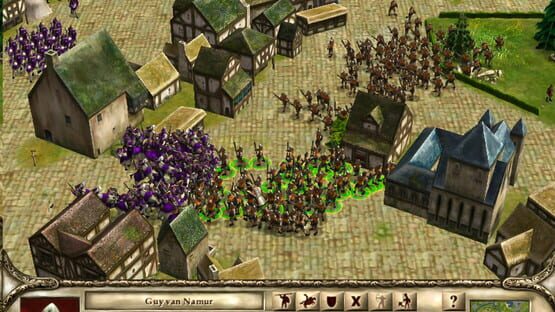
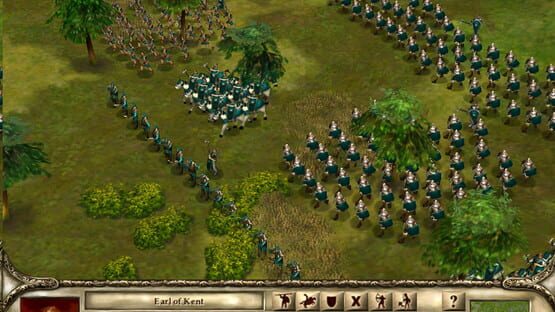
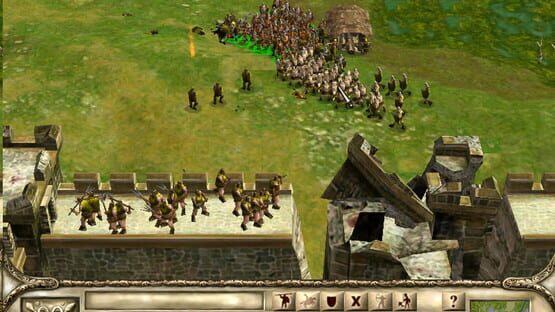
Screenshots
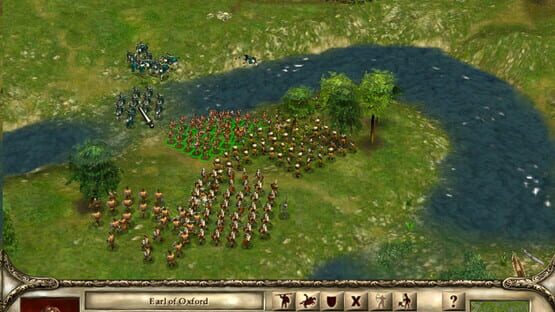
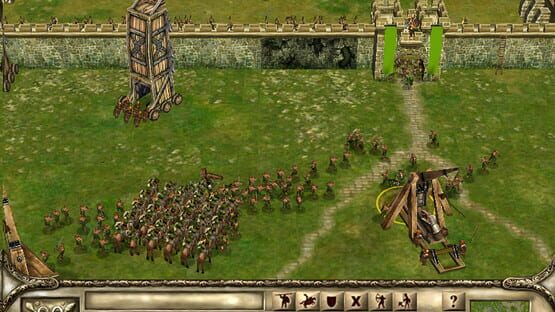
Related games
Lords of the Realm
PC · DOS · Amiga
Lords of the Realm II
PC
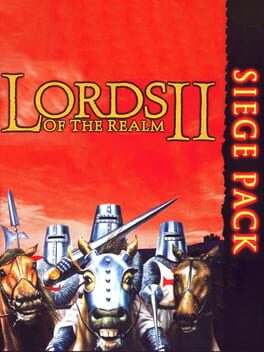
Lords of the Realm II: Siege Pack
PC
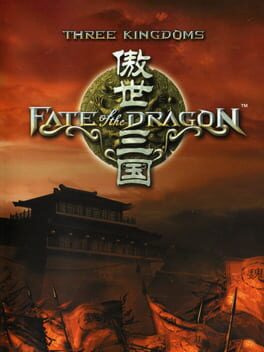
Three Kingdoms: Fate of the Dragon
PC
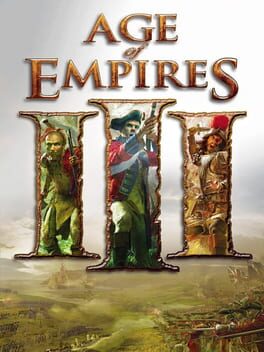
Age of Empires III
PC · Mac
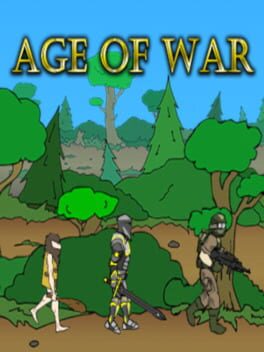
Age of War
browser · Android · PC · iOS
Bad North
PS4 · PC · Mac · XONE
Stronghold Legends
PC

Warpath Ace Shooter
Android · PC · iOS
Anno 1701
PC · NDS
Sid Meier's Civilization Revolution
PS3 · X360

Knights of Honor
PC
Game data and images from IGDB. Names and artwork belong to their respective owners.